Joy of Games: Hw#8 – Adding Juice


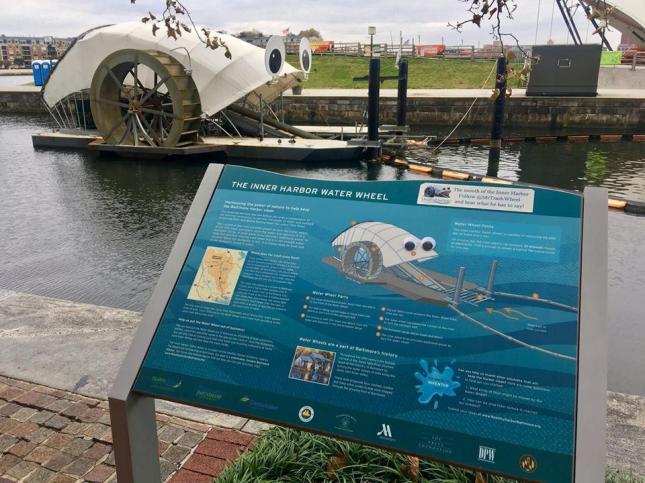
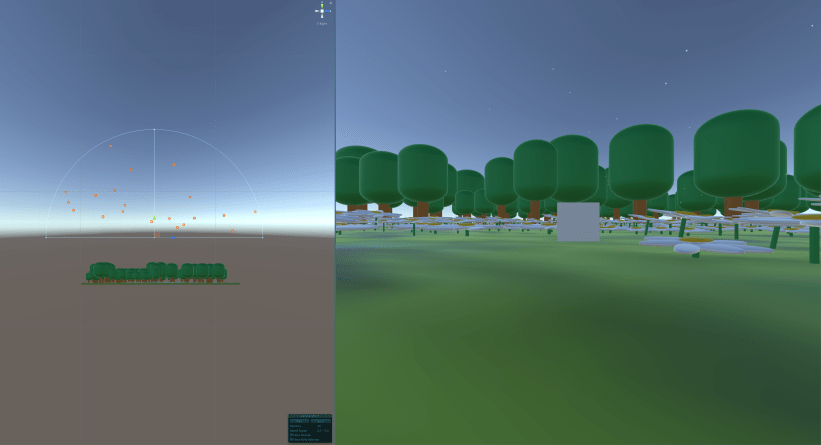
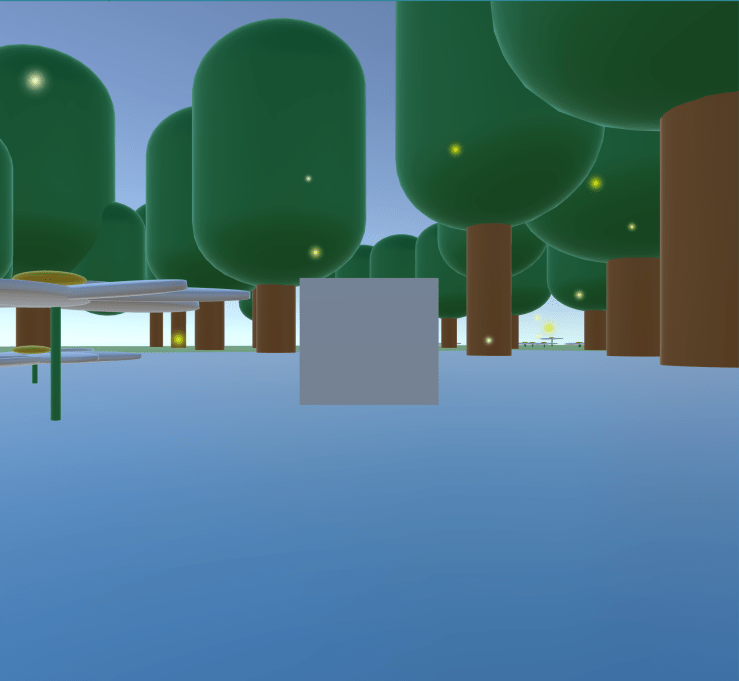
Adding Juice For this week we were to add a level of polish / juice to a previous assignment. I thought this week it could be fun to give the Mr Trash Wheel simulation assignment another design pass. In office hours Jane mentioned a couple things to look into in addition to prefabs of the different objects. One was how to make a mechanic that actually communicate that its water with objects in it as well as how to convey the “current” controller. Instead of getting deep into fluid dynamic papers Jane mentioned looking into Perlin noise and add force functions to help transfer motion when objects are hit. A lot of water physics and object buoyancy videos tutorial were centered around the law of the Archimedes Principle           
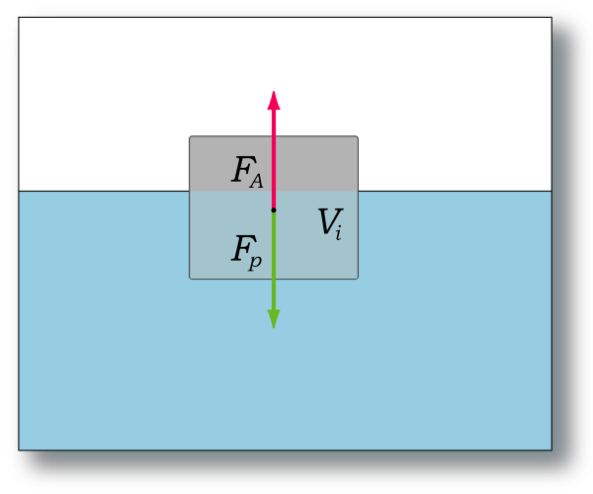
Principio_di_Archimede_galleggiamento.png.


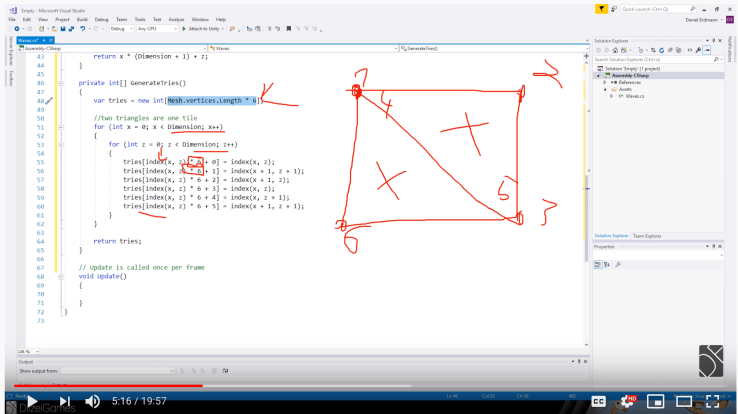
Perlin Nosie & Buoyancy  When searching around for tutorials I eventually landed tutorial playlist to help with floating objects in water using Perlin noise (Ken Perlin was  a guest speaker in Applications class and also teaches at NYU / Future Reality Lab).  There was a small road bump in the actual tutorial code. They used ‘Dimension’ singular as a declared global variable but then referenced it as ‘Dimensions’ plural throughout the rest of the code. (easy to do!) After combing through a couple times I caught the discrepancy and decided to set both to ‘Dimensions’ and to get the first steps working.


Creating the mesh triangulation layer in a script (timecode: 5:16)
Screen Shot 2019-11-17 at 10.30.21 PM.png

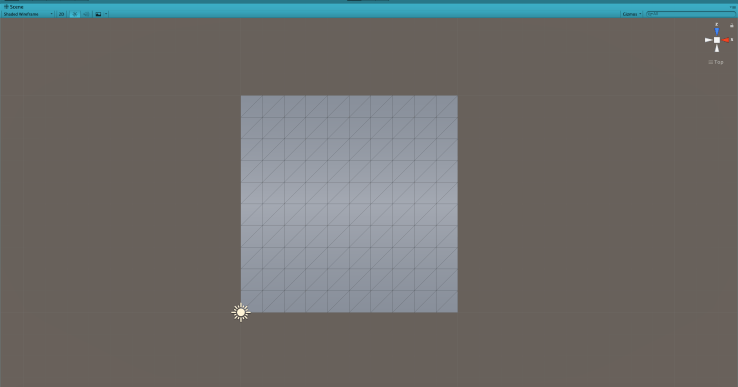
My mesh triangulation executed in Unity
Screen Shot 2019-11-17 at 10.11.21 PM.png

However the tutorial code kept breaking after this point, maybe due to a Unity update? Or to an accidental grammar error on my part (will sift back through again later) So went on to try this tutorial out instead
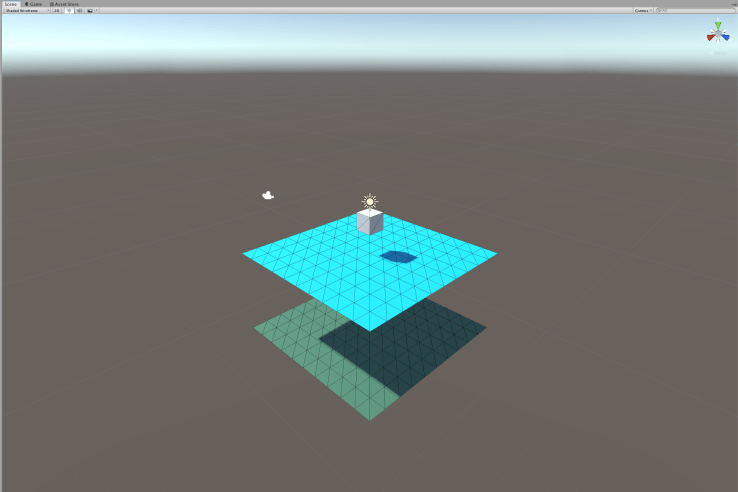
Screen Shot 2019-11-18 at 12.56.41 AM.png

Tutorial: Make a realistic boat in Unity with C#

in this tutorial Erik focuses on the idea of buoyancy. He referenced an article as an inspiration and that “The basic summary of the Gamasutra article is that you have to find out which parts of the boat is below the water. Then you should add a buoyancy force to those parts” . He mentions the fact that everything is built with triangles, and that even our cube gameObject is built out of triangles, 2 on each face. He also then broke down further how each triangle had 3 vertices:

“In Unity you have to deal with at least 2 arrays to control the triangles. One triangle consists of 3 so-called vertices that each has a coordinate in 3d-space like x,y,z. A vertice is a corner in the triangle. One array will store these. The other array will store in which order the vertices form a triangle. When you build a triangle in Unity you have to store the position of the vertices in the array so they form a clockwise loop through all the corners. If you happen to store them counter-clockwise the triangle will be inside out and you will not see it (you will see it if you move to the other side of the triangle).”


Important take aways:

2 arrays:

  1. one to store the x,y,z coordinates
  2. the other stores the order (must be in a clockwise loop or will be insideout)

Summary:

  • The (cube) consists of triangles. But which are submerged?
    • “We need to find out if one of the triangles is submerged. If the entire triangle is below the water then we can just store it and add buoyancy to the entire triangle. But if only a part of the triangle is below the water, then we have to cut it in pieces and store the pieces that are below the water and add buoyancy to those pieces. It will look like this”

cut-cube.png


With just the BoatPhysics script on cube


Joy of Games: Assignment #7


This week for assignment #7 we were to create an interactive game or experience with the with context of an element from our Flavor of Joy Manifesto. Being newer to different game making platforms I decided to stick with the Unity engine we’ve been working on in class and start to think about mouse input, specifically how to get the cursor to interact with objects via Drag Mouse or Raycasts.

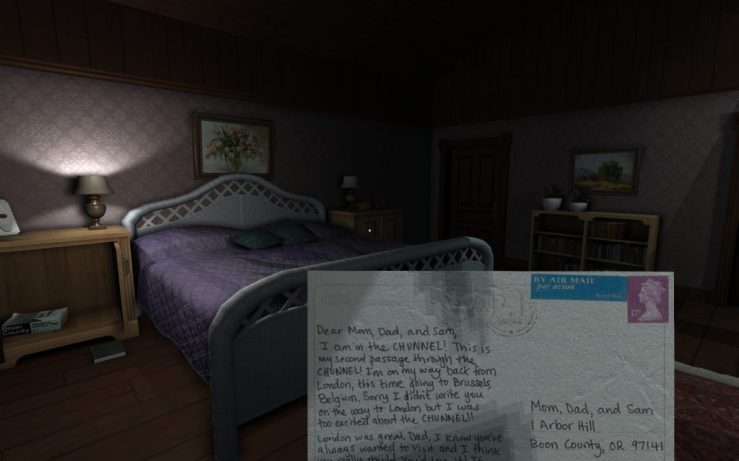
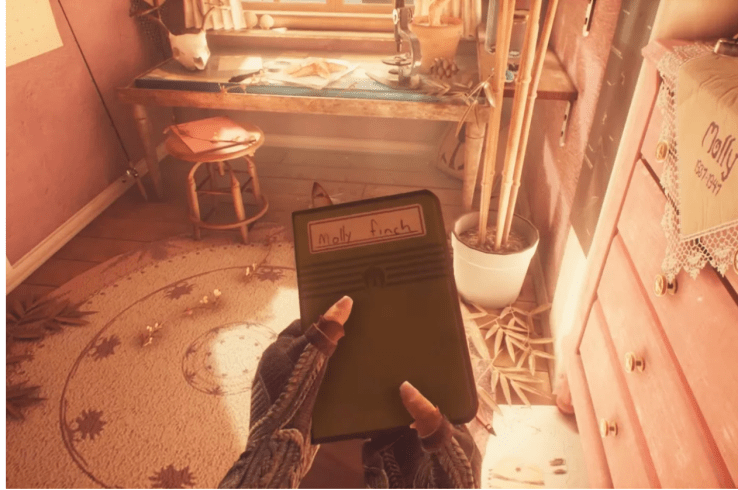
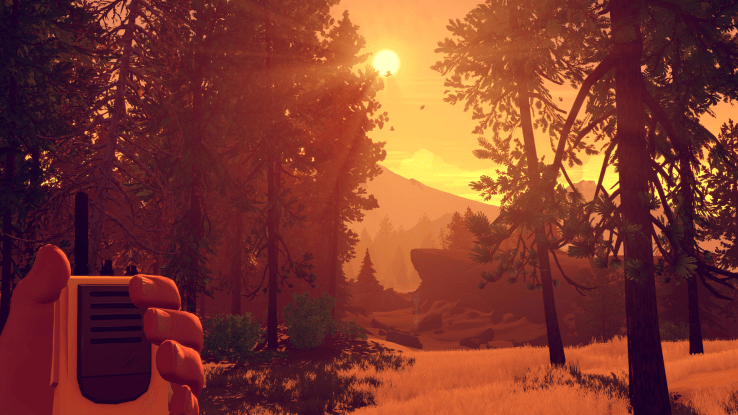
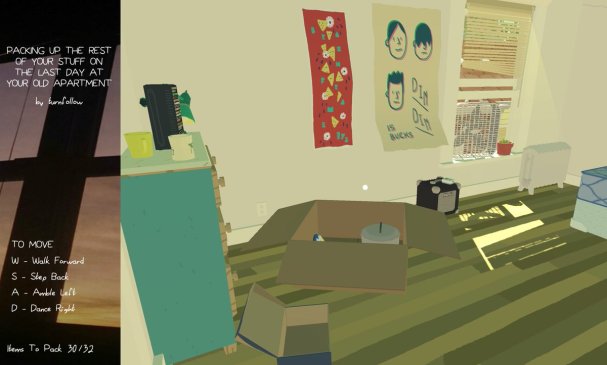
My Manifesto was partially inspired by exploratory games like Gone Home, What Remains of Edith Finch, Firewatch ( as well as thinking about objects like in Assemble With Care) where you can explore objects with a simple click and at your own pace. I was also inspired by the game we played in class during last week’s lecture, Packing Up the Rest of Your Stuff on the Last Day at Your Old Apartment.

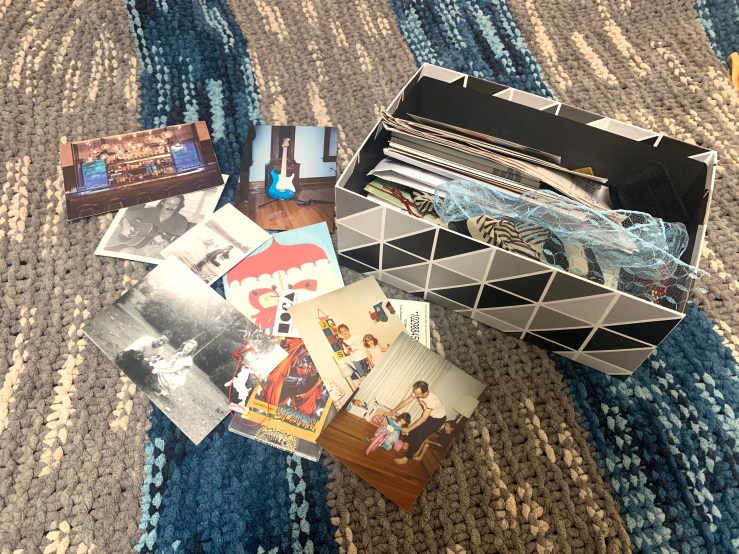
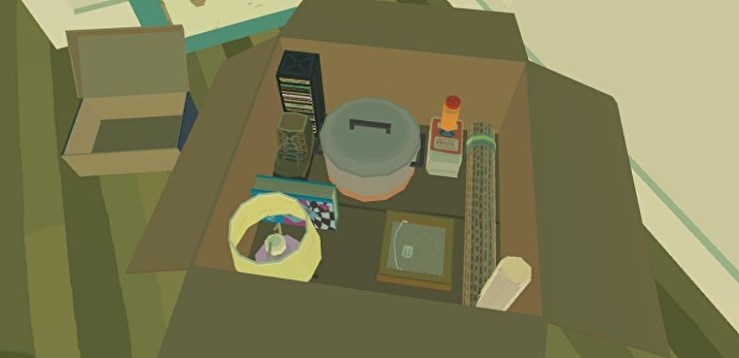
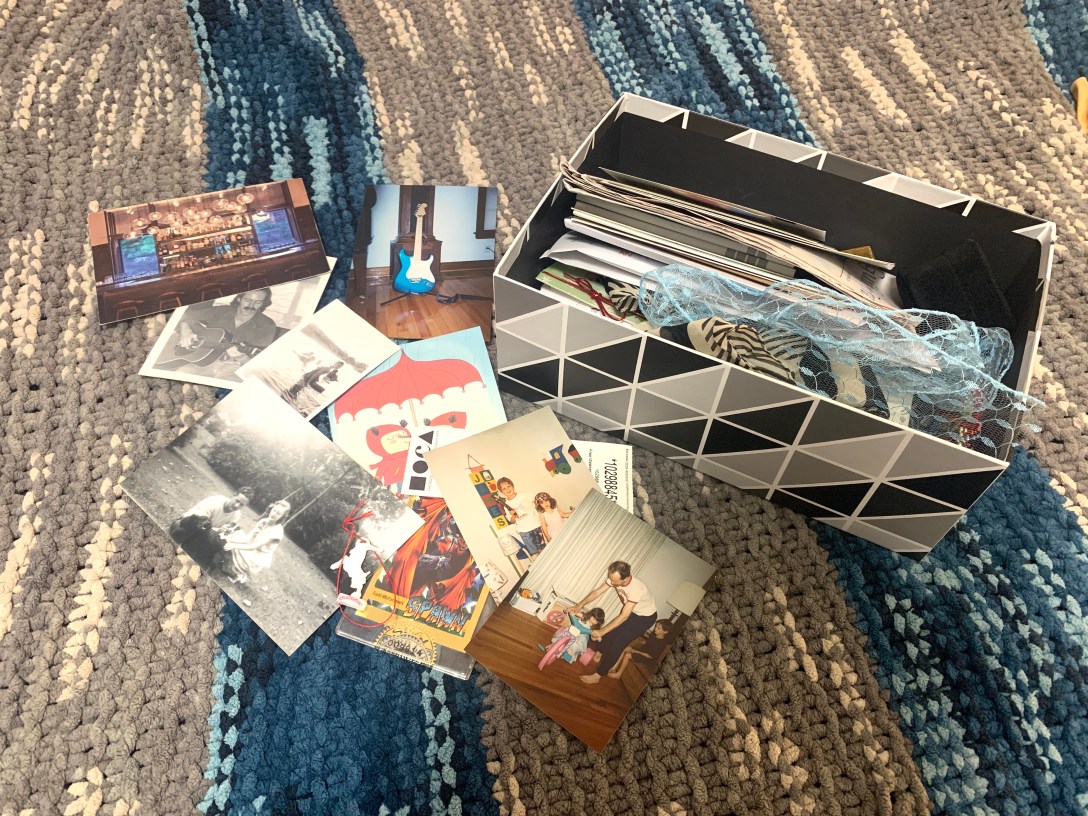
I tried for a similar feel with a box of objects I keep at home.  I didn’t recreate all of contents but tried to include some variety of materials and objects like postcards, photos, pins, map and my childhood walkman. I think this sketch connects with the manifesto by underscoring the idea of everyday objects as possible portals for storytelling, as well as the possible slowness and range of speed of “chose your own pace”of exploration.

Image of box and its contents on my bed

giphy

It makes sense that the camera angle and the rate at which an object is examined (and dropped) could affect the tone of the exploration. I tried experimenting with a more zoomed in and zoomed out framing. With my current Unity knowledge I think I like the Medium shot more in that it’s easier to place the objects back into the box. However, the more zoomed in intimacy it is nice in the closeup version, and makes it easier for exploring objects.


Exploring objects in the original games

Gone Home (Fulbright) 

Screen Shot 2019-11-10 at 8.18.20 PM.pnggonehome1-1024x640.jpg


What Remains of Edit Finch (Giant Sparrow) 

Screen Shot 2019-11-11 at 7.13.41 AM.png


Fire Watch  (Campo Santo)

firewatch_150305_05.png


PUTROYSOTLDAYOA [Packing Up the Rest of Your Stuff on the Last Day at Your Old Apartment] 

90.jpg


Click Objects Tutorials 

Code used 
I ended up going with the Unity 3d How to: Drag object with mouse tutorial. With the script looking like this:
using System.Collections;
using System.Collections.Generic;
using UnityEngine;
public class MouseDrag : MonoBehaviour
{
floatdistance=10;
voidOnMouseDrag()
{
Vector3mousePosition=newVector3(Input.mousePosition.x,Input.mousePosition.y,distance);
Vector3objPosition=Camera.main.ScreenToWorldPoint(mousePosition);
transform.position=objPosition;
}
}
Future Steps
  • control the object orientation once clicked
    • to always read upright / or have an option for rotation
  • could trigger audio when clicked or other interactions
  • how to have a front and back of a postcard on the same GameObject?
    • can you have multiple materials for a GameObject in Unity? or does it have to be done in a 3d rendering software like Blender?
  • Have a written story component like Packing Up the Rest of Your Stuff on the Last Day at Your Old Apartment in addition to any audio to make more accessible.
  • Physics of objects & Creating your own Prefabs

Thesis Hw 1: From Inspiration to Questions


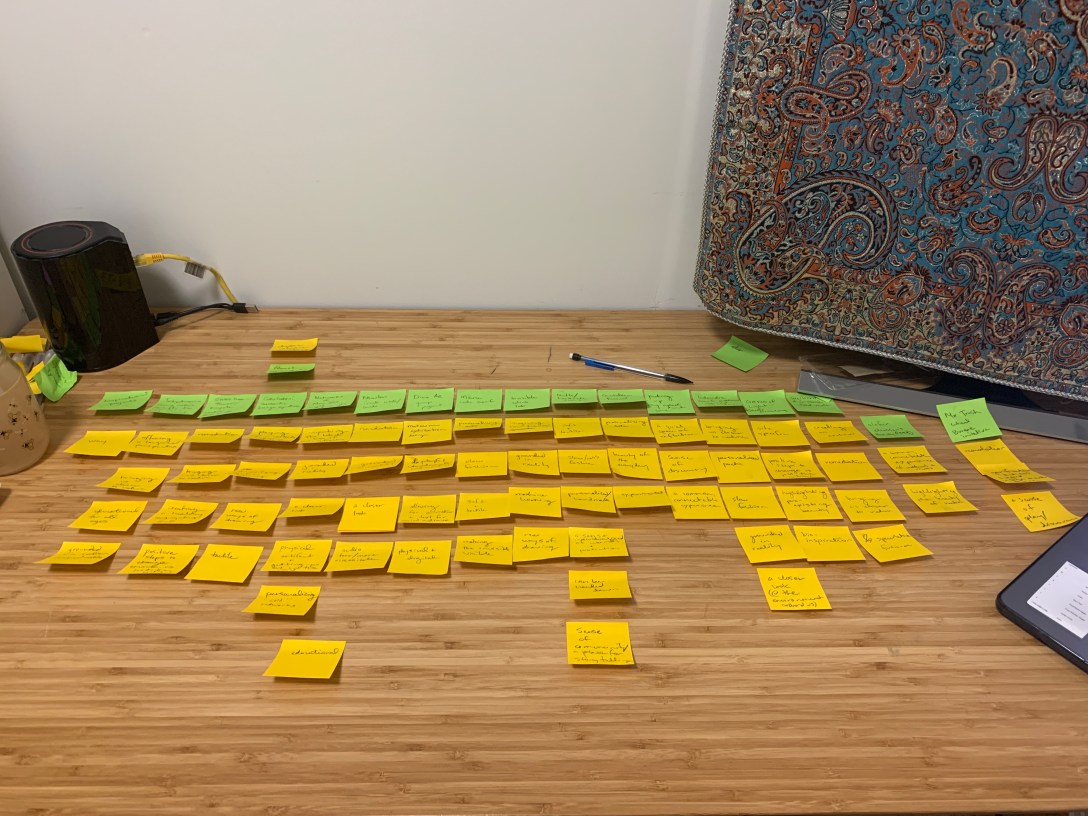
For this week in thesis I decided to try out IDM’s prethesis brainstorming exercise:

Stage 1:

Some Inspirational Projects / would like to revisit once digging deeper


Stage 2: Why?


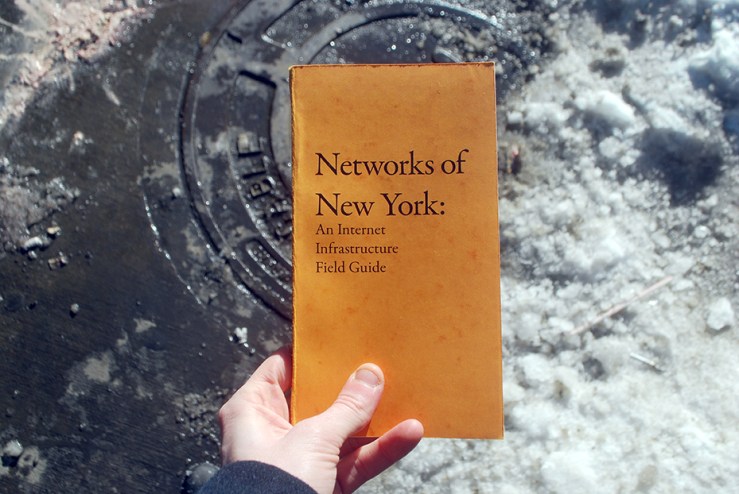
cover.jpg

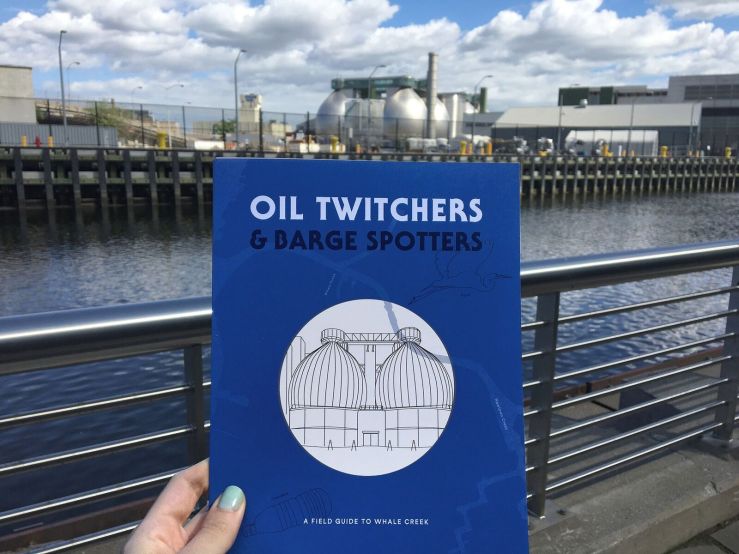
  • Networks of New York [Ingrid Burrington]
    • unpacking the black box of tech / tech infrastructure
    •  grounded in reality
    • a closer look
    • guide book + physical walk
    • personalizing / re-claiming “cold” networks
    • educational


IMG_2152sm.jpg


  • Dino AR app [itp group from Playful Design of Serious Research]
    • museum exhibition design
    • playful educational interactive
    • allows for animation & text –> for a varied audience
    • bridges the physical & the digital


Screen Shot 2019-11-08 at 1.43.42 AM.png

  • Invisible Cities Lab @ Open dot
    • imagining new futures
    • grounded in reality
    • demystifying machine learning
    • new ways of drawing


Screen Shot 2019-11-08 at 1.42.56 AM.png

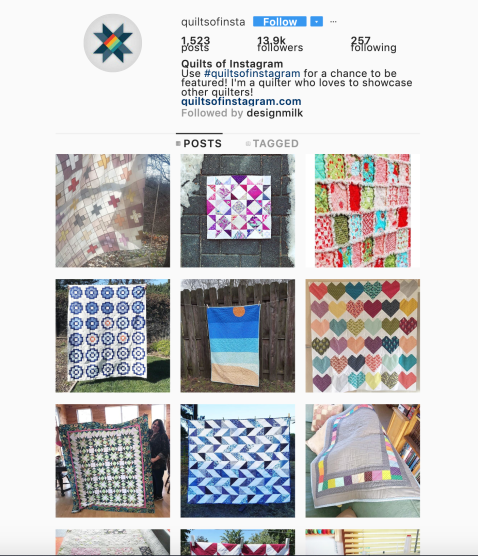
  • Quilts of Instagram
    • soft & tactile
    • slow fashion / slowness
    • handmade / personalized
    • a sense of individualized warmth & protection
    • sense of community / a place for storytelling
    • creating a space for making/ reflection


  • Quotidian Record
    • personalizing data
    •  beauty of the everyday
    • experimental


C8qd_XzXsAUbiL_.jpg


  • Gates of light
    • site specific
    • tangible, positive steps to change vs the critique only
    • highlighting pre-existing beauty
    • bio-inspiration / bio mimetics [irridescent / refraction of butterfly wings]


Screen Shot 2019-04-28 at 11.35.00 AM

  • Icelandic Scarf Patterns inspired by nature
    • bringing us closer to nature
    • personalized / poetic
    • site specific / tied to a specific place
    • a closer look (@ the environment around us)


  • Svbald Global Seed Vault
    • creating an archive
    • remediation
    • bringing us closer to nature
    • speculative (but possible) futures


  • Beauty (Olafur Eliasson 1993)
    • a connectable experience of mist and light
    • the beauty in everyday moments / isolated
    • a reflective space / moment


  • Mr. Trash Wheel Baltimore
    • remediation
    • gamification that has helped engage a wider audience on an important issue
    • a sense of play / discovery


  •  Morse Code Scarf ( Janusz Jaworski)
    • personalizing data
    • slow fashion
    • soft & tactile
    • making the invisible visible
    • creating a space for reflection

Knitting Beyond The Scarf

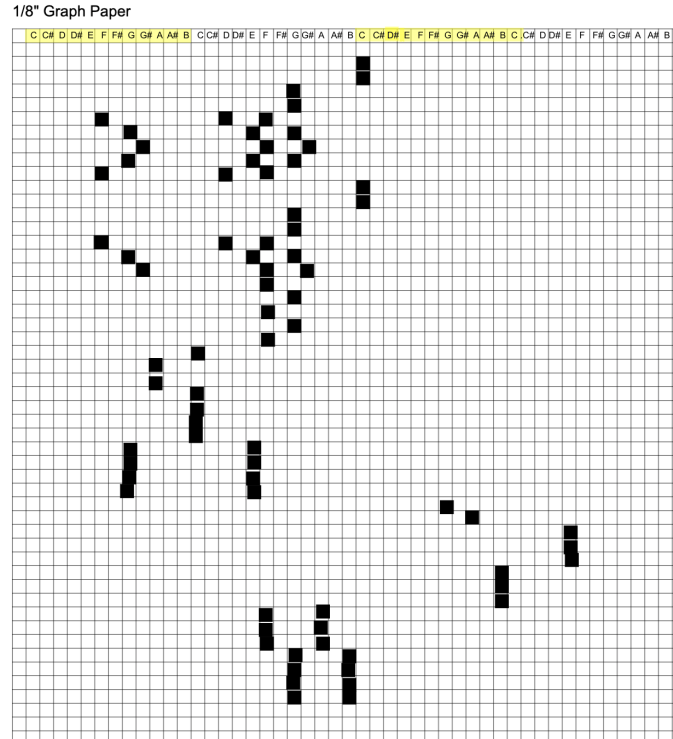
For our assignment in Knitting Beyond the Scarf we were to create a knitting pattern that embeds information, thinking about the question of how knitted items might hold details to be decoded.

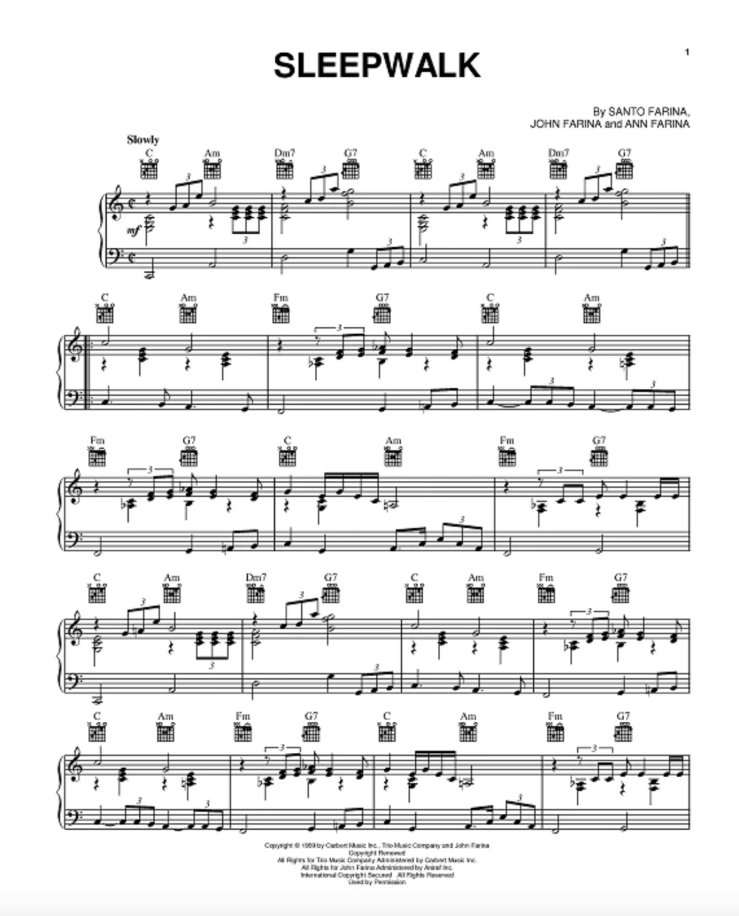
Our teacher Janusz Jaworski showed us some great examples. One included a favorite poem written in morse code.  We also talked as a class how it could be fun to write music into our patterns. That sounded great to me, and decided to try it with a section of Santo & Johnny’s Sleepwalk track. Inspired by things like Brian House‘s Quotidian Record and older music technologies like the Mira 181/2 inch concert box from the late 1800s.


1. The message/ information/ structure to be encoded, and the means of encoding 

Screen Shot 2019-11-05 at 12.06.21 PM.png


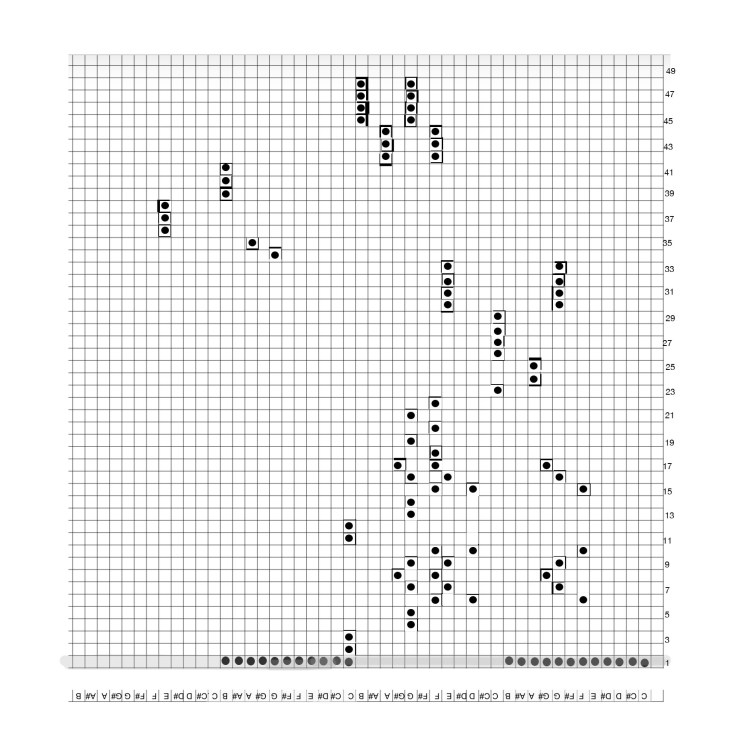
For this pattern I translated a midi input of a section of sleepwalk (15sec – 45 sec ) over four octaves. Could see elaborating on it to read more accurately? Right now it has the notes embedded in the pattern, but the duration for how long each note should be played is not completely accounted for. I chose to take out a flourish that was in the youtube link at 32 sec. Could see in future iteration signaling the time signature and that each square could represent a quarter note.
 

Screen Shot 2019-11-05 at 11.39.37 AM.png

2. The knitting pattern for the encoding – the pattern only, NOT the knitted piece

Sleep Walk Pattern 

  • Pattern is to be knitted flat
  • 48 stitches
  • A 49 row repeat
  • row 1 is to not be repeated (establishes the 4 octaves through purling &
  • knitting in very beginning)

SleepWalkPattern.jpg

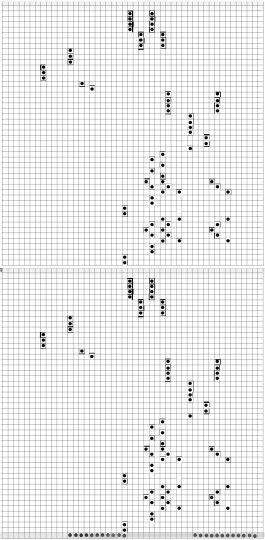
an image of Sleepwalk Pattern repeated:

      sleepwalkpatternx2.jpg

3. A description of how the knitted piece might hypothetically be decoded

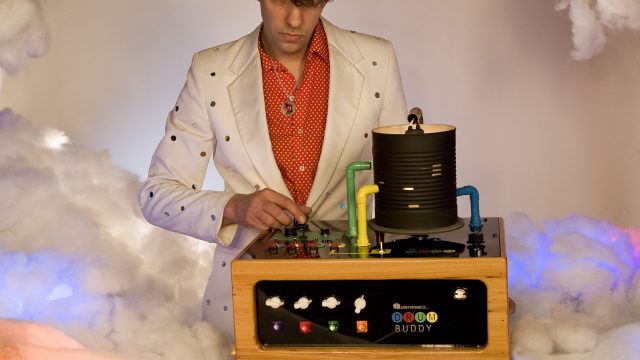
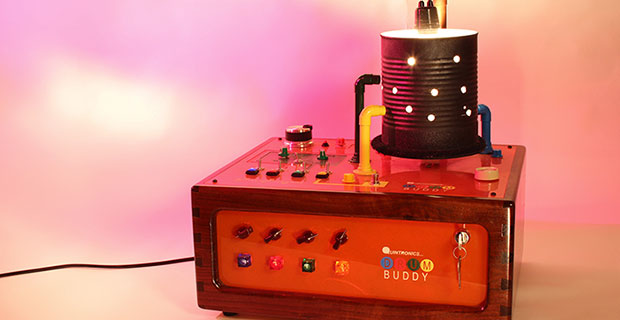
Something in the realm of NIME class / an instrument like  musician Quintron’s Drum Buddy. Where sensors could read the knitted notes in sequence.

quintron2-1370199409-640x360.jpgMusician-Quintron-DRUM-BUDDY-Miss-Pussycat-Model.jpg

Or maybe more like music box notation 


But more realistically, as an experimental score for a musician. The first row of the pattern helps dictate how many octaves, but up to the musician how high or low register they would like those octaves to cover. 

Joy of Games HW #6: Simulation – Mr Trash Wheel <3


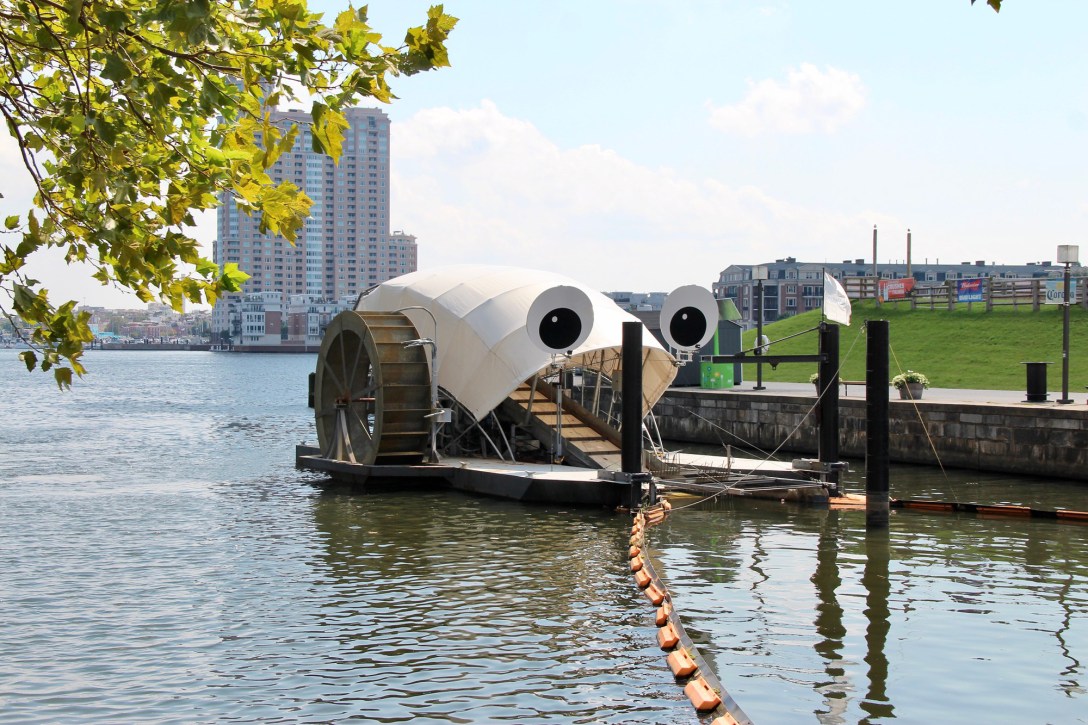
This weekend my partner I  traveled down to Baltimore, MD for his best friend’s wedding. On our way down there we were talking about the various harbor restoration programs, including our favorite googly eyed friend, the inner harbor water wheel –  @Mr Trash Wheel! (See site here)

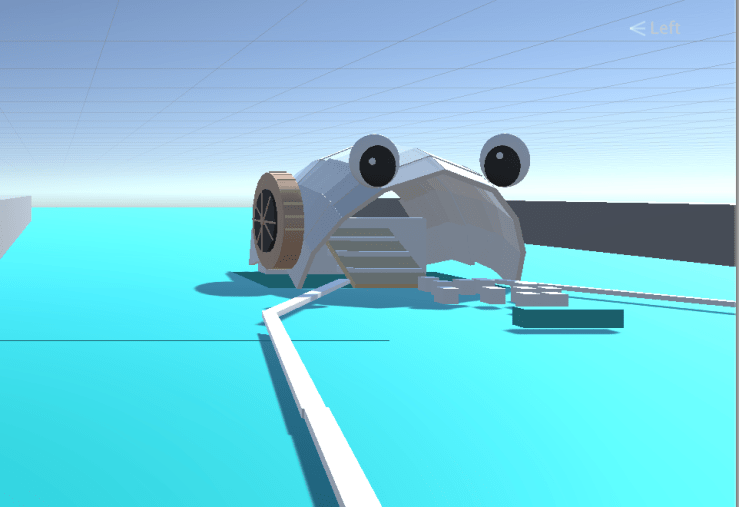
For homework this week we were to create a simulation, playing with the ideas addressed in class. Iterating off of previous homework of WASD controls and instantiation, I thought it could be fun to create a simple simulation of the beloved Mr Trash Wheel , protecting the Baltimore inner harbor and the ocean from rainstorm trash streams via the Jones Falls river. It’s been such a successful project that others have been installed in other locations too. A fourth wheel being added at the mouth of Gwynns Falls. 


Screen Shot 2019-11-04 at 12.36.30 AM
Building out Baltimore’s Mr Trash Wheel in Unity
Screen Shot 2019-11-03 at 9.23.50 PM
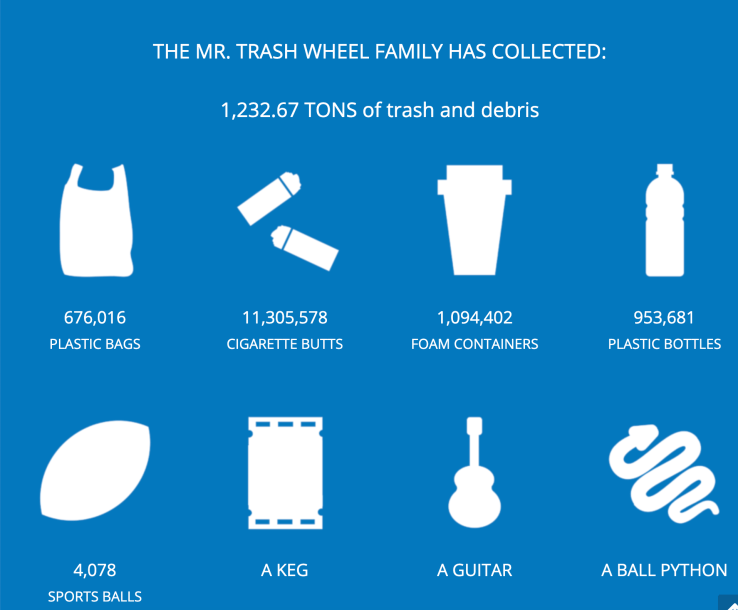
Image from the Mr Trash Wheel site

DOyFu6QW0AUYVH4.jpg

DaT: Verizon Media Visit + OT session

Today for Developing Assistive Tech we visited Verizon Media and met with Sam who showed us their accessibility lab. Sam also walked us through some interesting points about the company’s accessibility focus. Some things she addressed:

  • high contrast 4 to 1 for digital
  • to not use red and green alone as button signifiers but to always include text
  • label things in code / alt text that make sense – hamburger button example
  • magnification –> to make sure layout still remains similar and functional with magnification applied
  • that disability can be situational, temporary, or permanent.
  • that there are visible and invisible disabilities
  • they try for AA standards
  • captions, high contrast, dynamic text resizing, having symbols + text,  screen read labels and descriptions


Case Studies

Case study: Yahoo Finance App

  • User story Jeff  / brand loyalty –> knowing if certain companies tend to have accessibilty labs / focus

XR access w/ Cornell Tech –> how to make XR access for disabilities. How to create guidelines for all components to follow as we enter a mixed reality world

Attn Gan + Runway

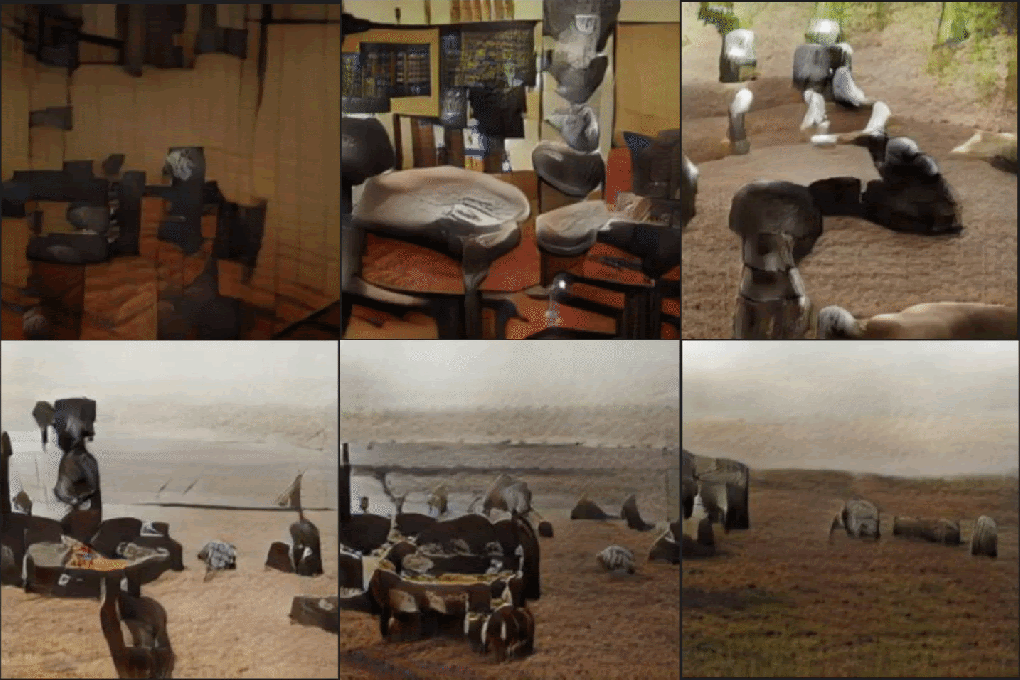
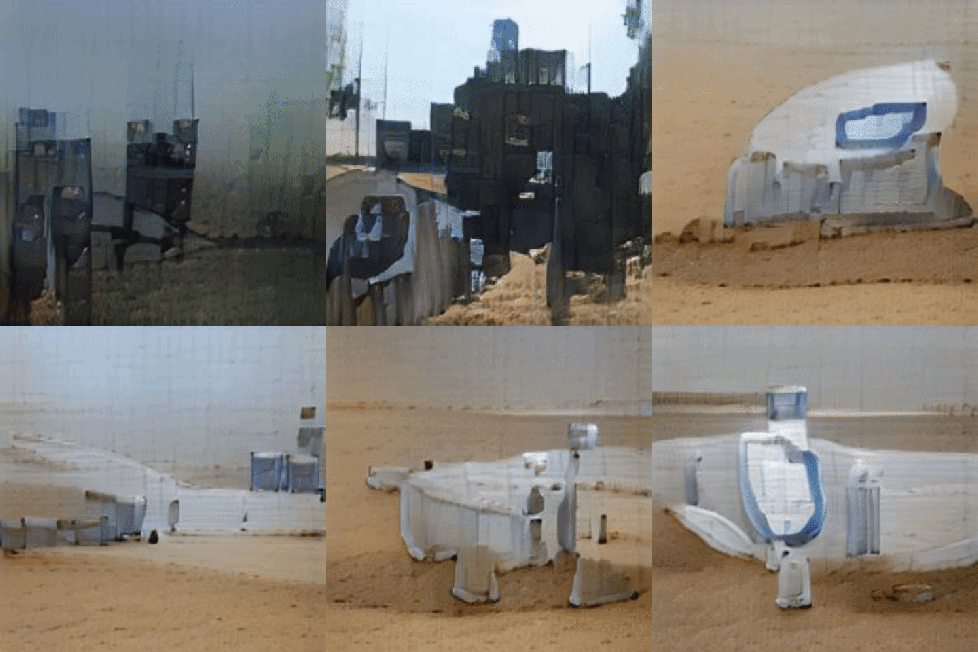
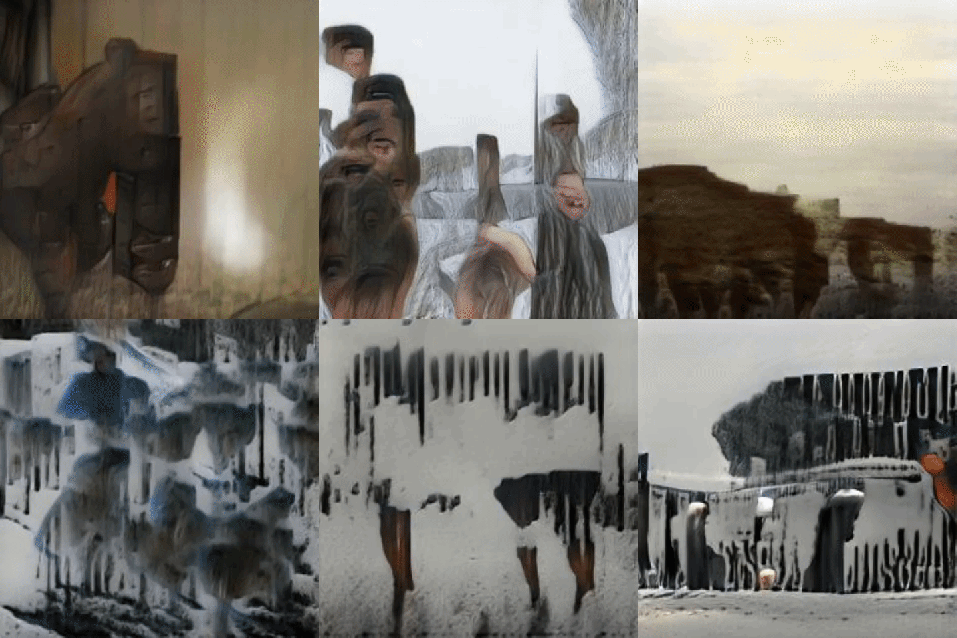
Using Runway‘s  AttnGan Model with local band cup‘s lyrics for their next album.  Analyzed by adding one line at a time of lyrics.

Wandering

Track 1_Wandering


Night Light

Track2_NightLight.gif


The Swarm

giphy.gif


Hideaway

HideawayFull.gif


Strange Dreamer

giphy.gif


Nothing Could Be Wrong

giphy-1.gif


The Bright Blue Sea

giphy


You Don’t Need Anybody

You dontNeedAnybody


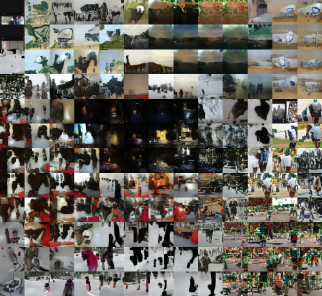
Using tSNE to group all AttnGan images of cup’s lyric’s:

out3.png


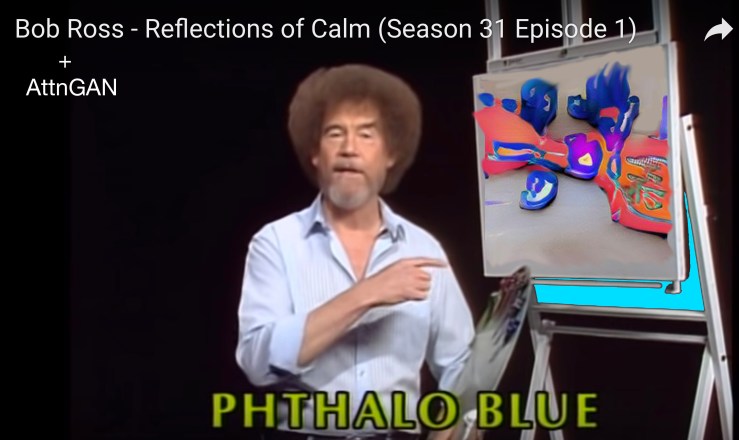
Bob Ross + AttnGan 


AttnGan + lines from a Bob Ross Joy of Painting transcript:

Bob RossAttngan.jpg


AttnGAN - October 22nd 2019 at 12.58.56 PM.jpeg

“Let’s start off today with a little two inch brush


AttnGAN - October 22nd 2019 at 12.59.05 PM.jpeg

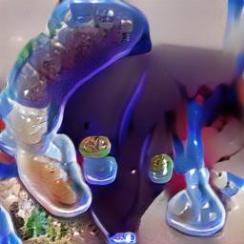
“There we are we’ll take a little touch of pthalo blue”


AttnGAN - October 22nd 2019 at 12.59.14 PM.jpeg

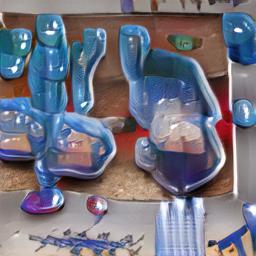
“Phthalo blue’s a beautiful blue color”


AttnGAN - October 22nd 2019 at 12.59.55 PM.jpeg

“A little bit of that up in the corners”

AttnGAN - October 22nd 2019 at 1.00.06 PM.jpeg

“Im just gonna add a small amount”


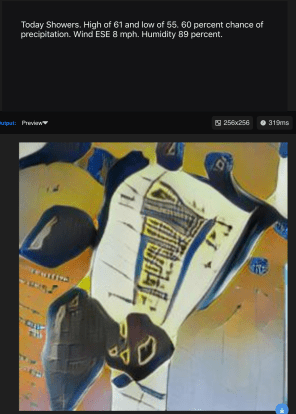
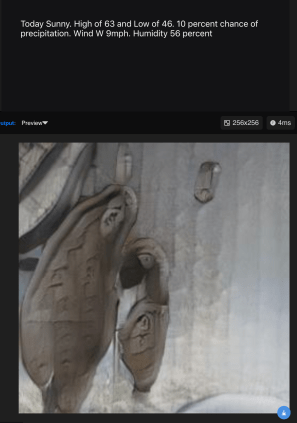
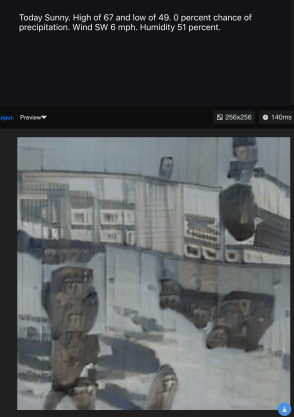
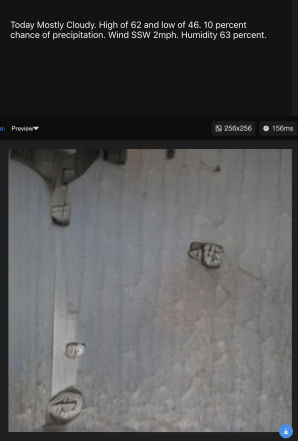
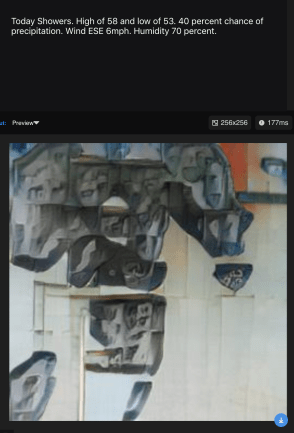
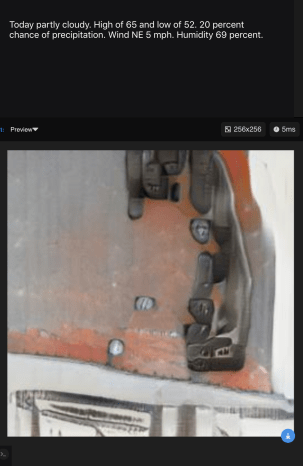
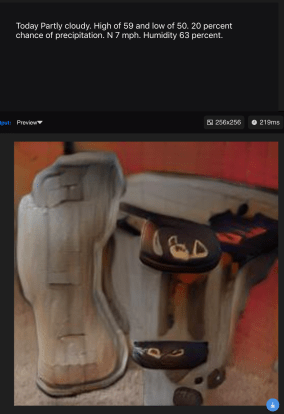
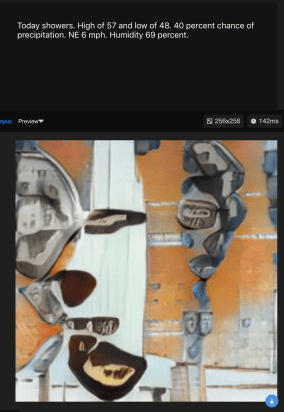
Weather forecast with ATTNGan:

Using Runway‘s  AttnGan Model with NYC’s 10 day weather forecast:

Tuesday (10.22.19)

Screen Shot 2019-10-22 at 1.46.54 PM


Wednesday (10.23.19)

Wednesday2.png


Thursday (10.24.19)

Screen Shot 2019-10-22 at 1.48.08 PM


Friday (10.25.19)

Screen Shot 2019-10-22 at 1.48.43 PM


Saturday (10.26.19)

Saturday.png


Sunday (10.27.19)

Sunday.png


Monday (10.28.19)

Monday.png


Tuesday (10.29.19)

Tuesday.png


Wednesday (10.30.19)

Wednesday.png