
Assignment 4: Turn one of the previous wearable projects into a wireless one.
For this project we were asked to think critically about what makes a product need to be part of IOT? Does it actually improve the functionality of the object if its online? Jingwen gave us an example of shopping for microwaves and the idea of do you really need Alexa to heat up your coffee? And encouraged us to think critically about whether our projects are improved by incorporating that layer of functionality.
For wearability and accuracy I decided for this project to switch out the Particle Sensor for a Airvisual API + Bluetooth LE setup. Similar to Alvin and his Raspberry pi exploration, I think I dove head first into more than I realized but definitely learned a lot through the process:
Original video of PM sensor + 3 LEDs tied to particulate matter thresholds
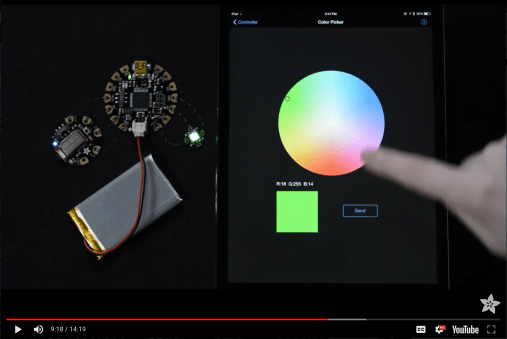
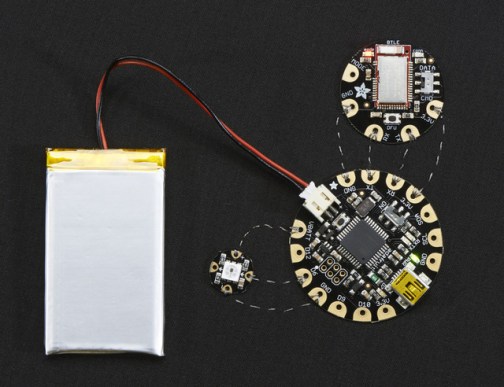
Circuit based on Adafruits’ Flora+Bluefruit BLE + Neopixel + Bluefruit App:
- Adafruit Flora
- Bluefruit LE
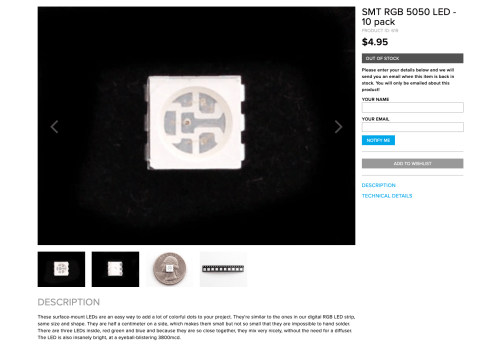
- Programmable Neopixel
- Each pixel draws as much as 60mA (all three RGB LEDs on for full brightness white)
- 3.7 V Lipo battery
- Conductive Thread
Construction:
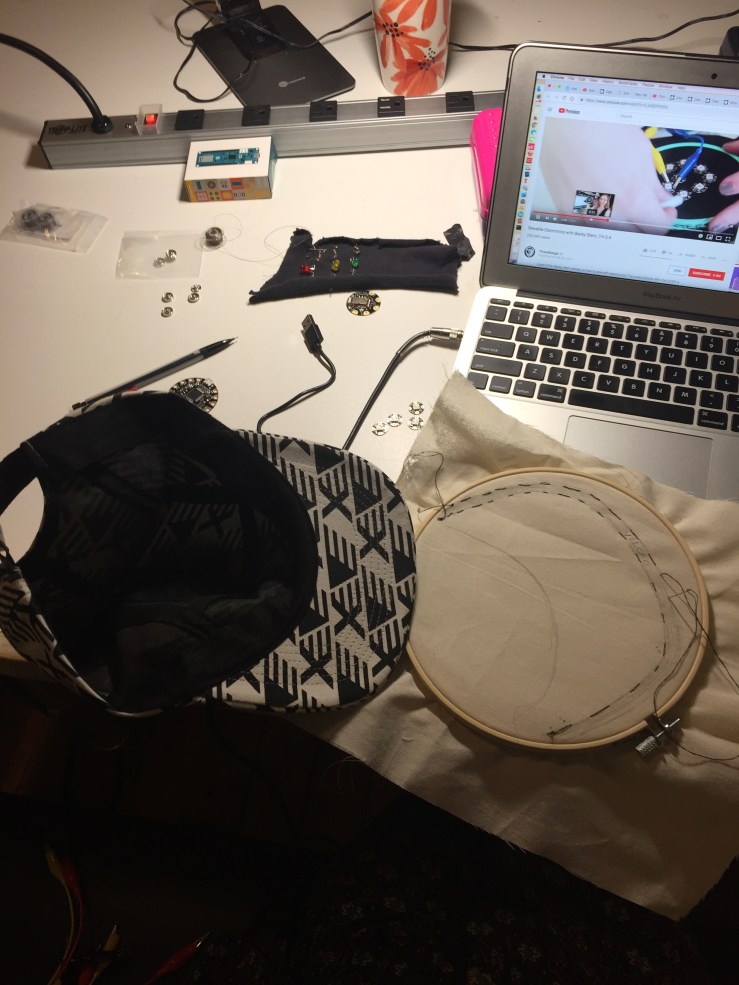
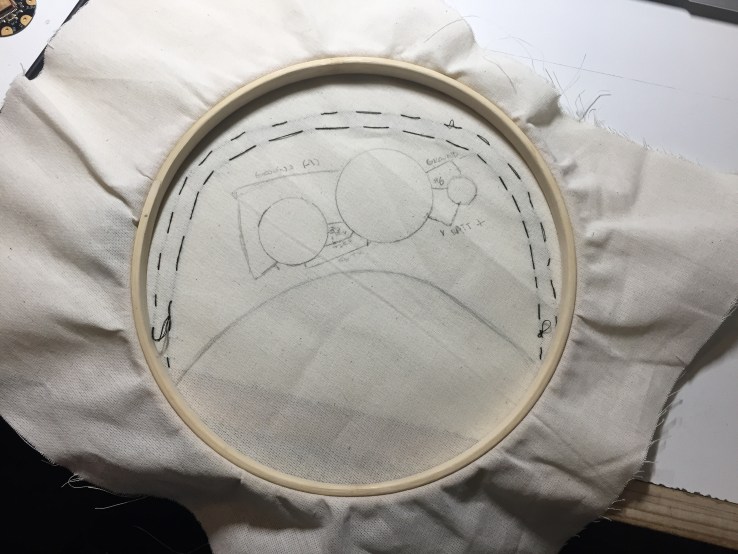


** due to neopixel being programable can decrease LEDs in circuit from 3 to 1 or even use the onboard neopixel on the flora or CPlaygroundExpress
Hardware Side:
Understanding differences between Circuit Playground Classic, Circuit Playground Express, and Flora
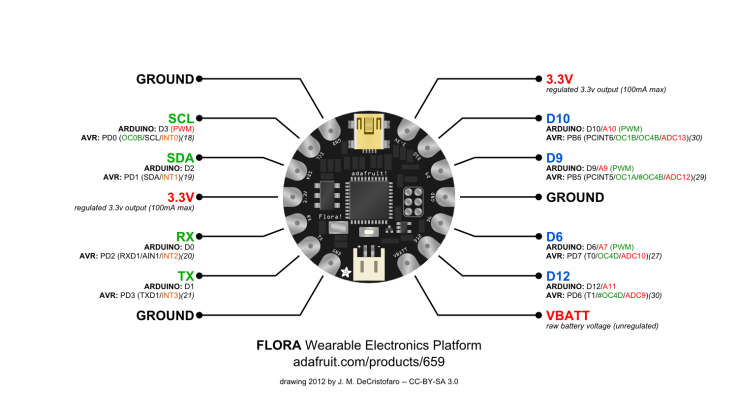

Testing the Onboard & Sewable Neopixel:
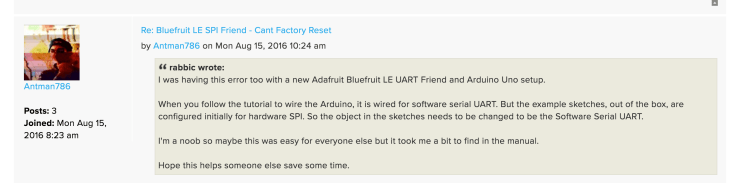
After seeing that my initial bluetooth circuit wasn’t communication to the neopixels w/ the Bluefruit app, took Arnab’s advice to break it into small blocks for debugging starting with the neopixel components. Both tests worked without the Bluefruit Bluetooth module in the circuit, so now I know its either the BlueFruit module or the code example. When running Jingwen’s FSR example, I was able to connect a couple times through the app & was reflected in the serial monitor, however it wasn’t producing a range of values when i pressed the FSR?
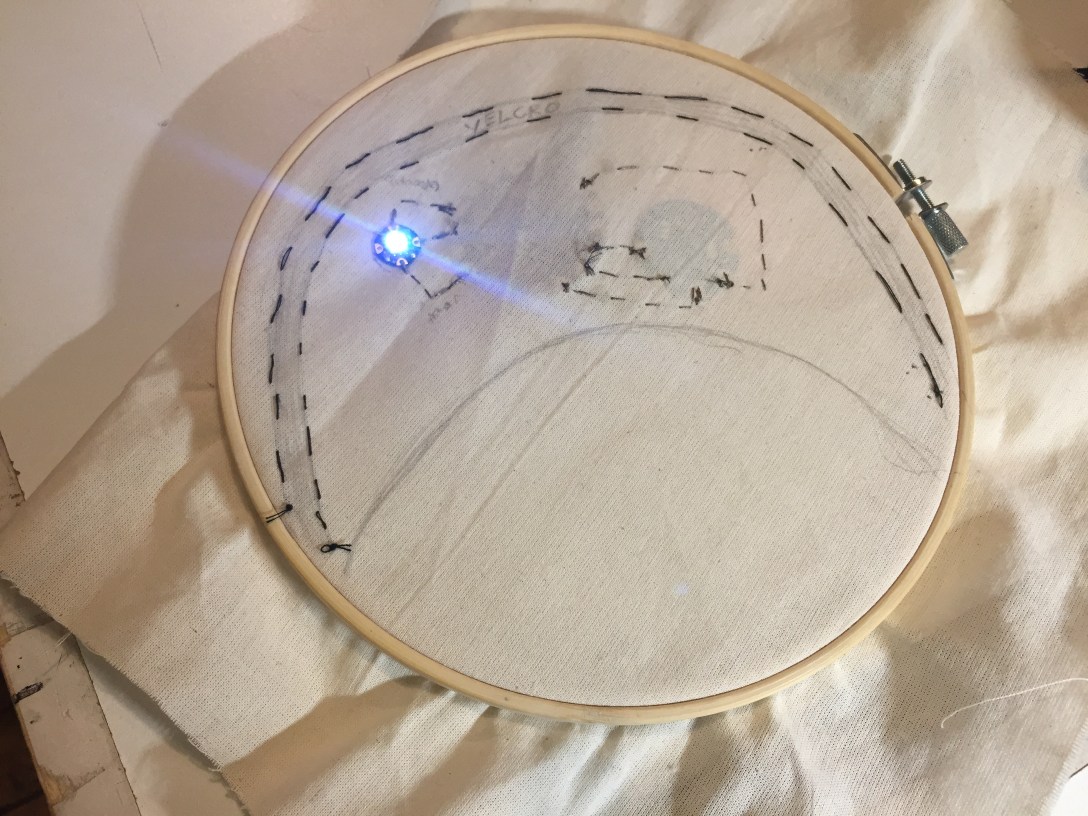
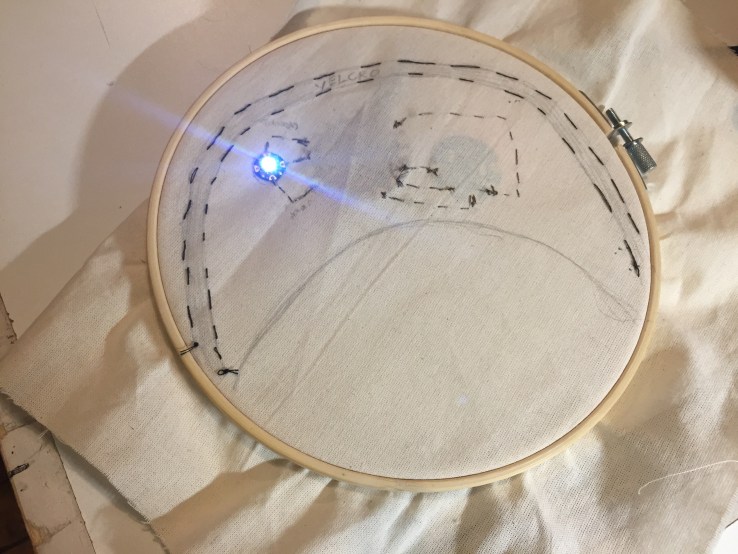
**neopixel originally lit up on hat but was not changing color / had a short due to having added the neopixel into the circuit backwards and also initially using graphite to trace the component placement on muslin, forgetting it was a conductive material.
Trouble Shooting / Issues encountered:
- FSR example
- kept getting either “3”s continually (w/out a resistor in circuit)
- and then “255’s” continually (w/resistor added to circuit)
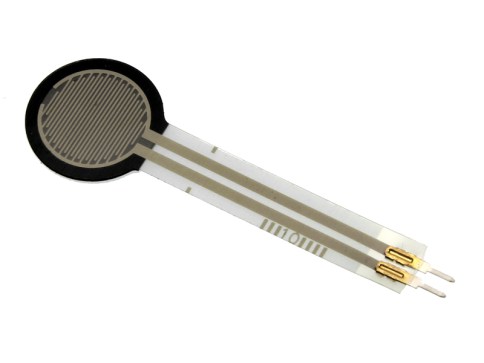
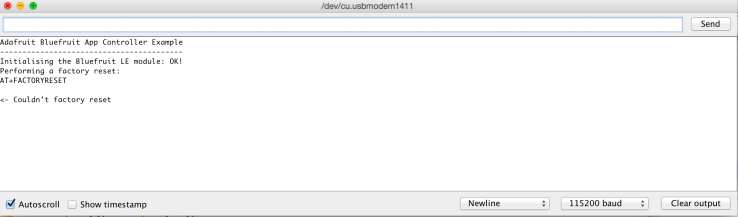
- DFU / Factory Reset issues w/ adafruits controller example
- Issues with continually receiving “couldn’t factory reset” when trying to use Adafruits Controller example code
- Renaming Bluefruit LE Module – Trying to work alongside someone w/ another BlueFruit it became clear quickly it would help us to rename our modules due to accidentally connecting to one anothers
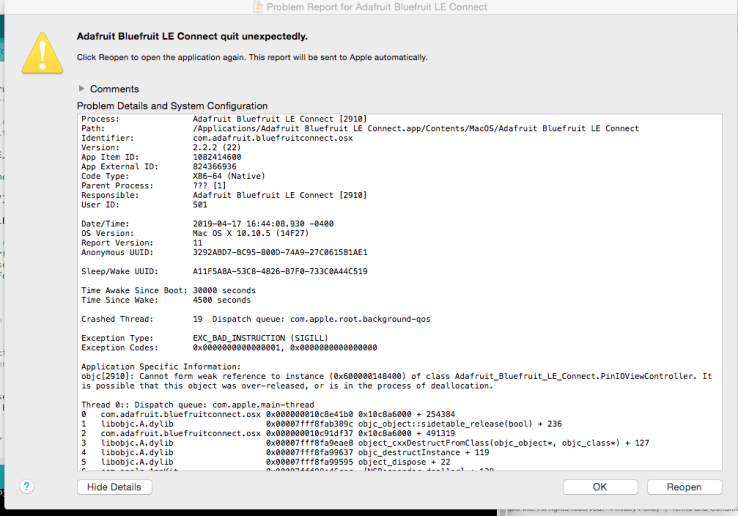
- LE connect continual crashing on laptop
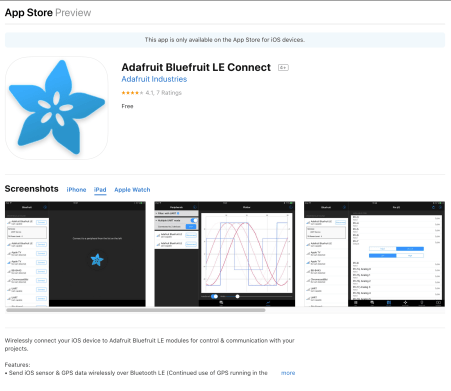
- Using Adafruit Bluefruit LE connect on laptop
- Jiwon mentioned that since Madison and I were having trouble id-ing our specific module to try the desktop version. However had issues with it continually crashing

- Commenting out “while” serial connect statement
- broken maker 1010 from shop
- realized when home it was labeled broken on box
- checked a new one out friday
Questions to look into:
- Checking Cmd/data switch vs mode pad
- Baud Rate
- why in the fsr example I keep getting a steady stream of the same numbers
- 3s w/out resistor & 255 w/ resistor
- it seems like it is receiving some kind of data but not
- Why neopixel lights up with flora test but not with the Bluefruit BLE connect app?
- Which parts of code need to be edited – commented in or out on examples
API parsing w/ ArduinoJson:
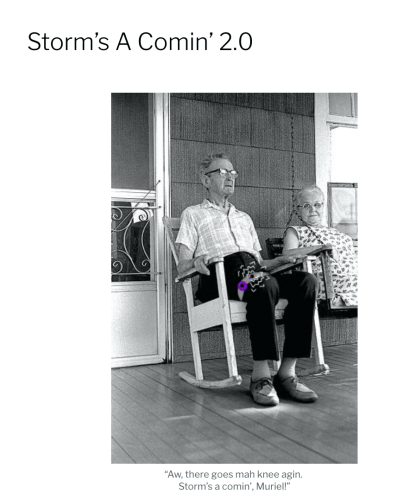
Last weekend Mary and I talked through thinking about how to call a live API JSON file with Arduino using arduinojson. I also printed out her project’s code Storm’s A Comin’ 2.0 to see if I could follow the logic / better understand what would need to be adjusted from her experience for the AQ Hat + Air Visual API. I think also classmate Jillian Zong’s Umbrella Notification Light code might help me better understand as well?
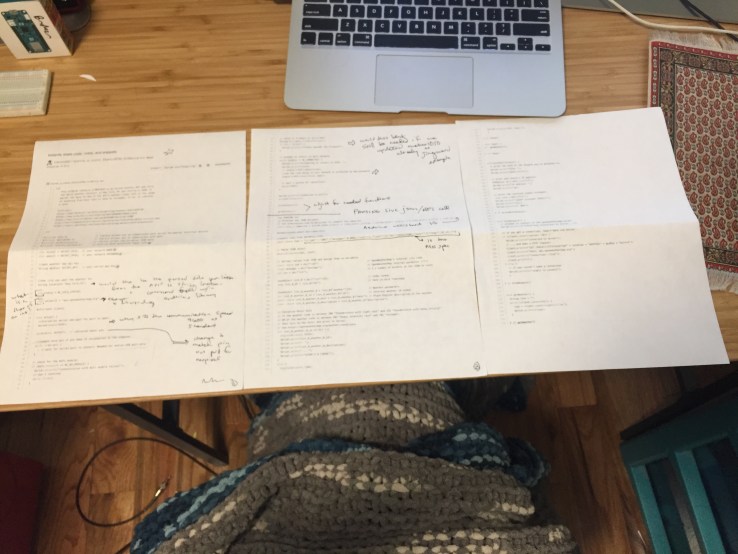 Sifting Through a Storm A Comin’s Code using arduinoJson

AirVisual // Free API key for community usage up to a certain call amount
- Provides updated AQI on an hourly call & it gps coordinates based on city
- similar to
- https://www.arduino.cc/en/Tutorial/WiFiNINAWiFiWebClienthttps://www.hackster.io/officine/getting-weather-data-655720
- https://www.arduino.cc/en/Tutorial/WiFiNINAWiFiWebClient
- https://www.instructables.com/id/ESP8266-Parsing-JSON/
- https://arduinojson.org/v6/doc/
Materials:
- SMPLFD Detroit hat
- Flora Adafruit V2 board (has an onboard neopixel)
- Flora Bluefruit Bluetooth BLE module
- Flora programmable sewable RGB LED pixel
- 3.7v Lipo battery
- Conductive thread
- Black Thread
- Sewing needle with large enough eye for conductive thread
- Clear Nail Polish
- Prototyping Muslin
- Sewing Hoop
Lessons Learned:
- Comment out the While Serial code when no longer connected vis usb (meant for serial trouble shooting only)
- Don’t use graphite to trace placement due to conductivity / always use tailor chalk or pen
- Always check the data in & out arrows of flora neopixels
- Double check that your circuit works with alligator clips first
- As you build, check one item at a time as you add it into the circuit so that similar to debugging you can know where you’re having issues due to isolation – See A Brief Introduction to Debugging
- That always check if the example you’re looking at is for Circuit Playground express vs Circuit Playground Classic
- Shorter alligator clips for quick prototyping
To Consider Next:
- Office hours with:
- Jingwen to troubleshoot BLE circuit
- Jasmine to review APIs
- Back it up and try examples w/ maker 1010 first before trying bluefruit
- Over the summer – looking at CircuitPython environment + the Flora
Reference Links:
- Hw Assignment #2: Make a New Sense
- W6: Connectivity class slides
- W7: Techniques – BLE, NFC, Wifi class slides
- Blog Post: Thinking about Flora Bluetooth LE
- Adafruit Uber Neopixel Guide
- Biohack: Know Your Air Quality / Adafruit
- Sunscreen Reminder Hat // Adafruit
- Conductive Thread Tips // Adafruit
- Capacitive Touch with Conductive Fabric with Flora
- Sparkle Skirt with Flora Motion Sensor #Adafruit
- Flora Wearable Bluefruit LE module
- Flora with Snaps
- Sewable Electronics w/ Adafruit
- Battery Powering your Wearable Electronics
- Circuit Playground Neopixels & Bluetooth Low Energy
- Make: Getting started with Adafruit Circuit Playground Express
- Make: Getting started with Flora
- Getting Started w/ Bluetooth Low Energy
Thank you!
- Madison for trying to trouble shoot the bluefruit BLE module alongside
- Mary for brainstorming live vs static API parsing with Arduino // & how A Storm’s a comin works on the code end
- Arnab for sifting through / trying to help me and Madison troubleshoot our circuits
- Jingwen for patience & guidance

 “Towards legible, evident interaction
 30 KM/s