Video & Pixel Tutorials


Screen Shot 2018-10-31 at 1.12.00 AM.png

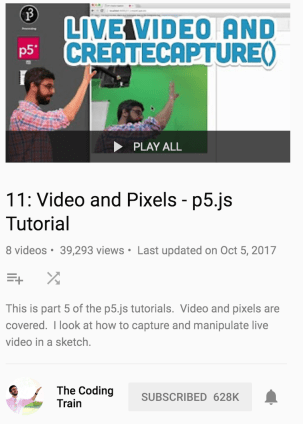
This week in ICM, our homework is to create something that applies our new knowledge in Video & Audio in the p5.js environment. Part of the HW is to watch/work through Daniel Shiffman’s coding train playlist #11: Video and Pixels – P5.js. Below are screen-recordings of me following along with the tutorials & their github code examples here ❤ ❤


Continue reading “Video & Pixel Tutorials”

ICM HW#6: PDOM, CSS & HTML

Full Screen (in browser)

P5.js Editor view

Week 6 Assignment

Create a sketch that it uses HTML controls (like buttons, sliders, text input fields) as a means of modifying the sketch’s behavior in real time. (You can adapt a previous homework assignment for this if you’d like.) BONUS: Incorporate an HTML control from p5.dom that we didn’t talk about in class. Alternatively or in addition, use p5.dom to modify other elements on the page (these elements could be added by hand in index.html or dynamically added by your code.)

Continue reading “ICM HW#6: PDOM, CSS & HTML”

ICM: Week 5 – Objects and Arrays


Cloud City 


Assignment

Arrays and objects allow you to do something new with your programs: keep track of user action over the course of your sketch’s execution. For this week’s assignment, create a sketch that takes advantage of your new skills. The sketch should allow the user to use clicks, key presses, etc. to add new elements to the scene (and potentially to remove them later). Your sketch should use an array of objects. (Using a constructor function or the class syntax is optional.)

Originally I was inspired by Allison Parrish’s example in the notes on Objects & Arrays


IMG_4216.jpg


  • Thinking about Arrays within Arrays (or really arrays as objects?)
    • Would like to comb back through code with an *objects & methods* approach:
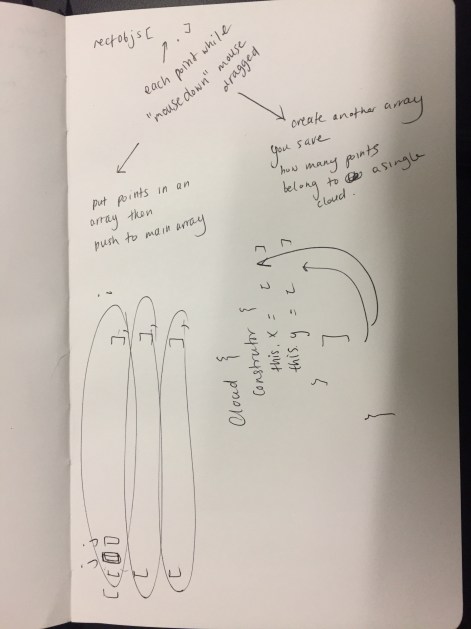
    • When talking with classmate Jiwon Shin  we started talking about how i could add a deletion tool to my current sketch state (which pushed mouseDrag to an empty array when you drew with mouse down to create each cloud). She walked me through how I could push all of the point drawn with the mousePressed into an array that is then pushed into another array – essentially making cloud objects?


  • One issue I hit when deleting was the program would break if you hit the delete key too many times. When debugging it in the console, we noticed it would try to call a negative number from the array (which doesn’t exist), as a solution – limited the call number to positive numbers only. So no matter how many times you hit “c” the program will still only reference the array number 0, and add on as you draw more clouds.


  • it still breaks if you click without drawing something – it confuses the program, due to no information being pushed to one of the arrays?

ICM: HW – Repetition with Variation / Pair-Programming


Screen Shot 2018-09-27 at 3.40.11 AM.png

Full Screen Mode here  / Editor mode here

Team: Gabriella Garcia & Becca Moore

Screen Shot 2018-09-27 at 3.40.03 AM.png


Assignment: Create an interactive artwork that implements the concept of repetition with variation. Use at least one for loop. Your artwork should also incorporate an interactive interface element of your own design. For this assignment, work in pairs.

Continue reading “ICM: HW – Repetition with Variation / Pair-Programming”

ICM: Exploring translation

Screen Shot 2018-09-26 at 1.29.04 AM

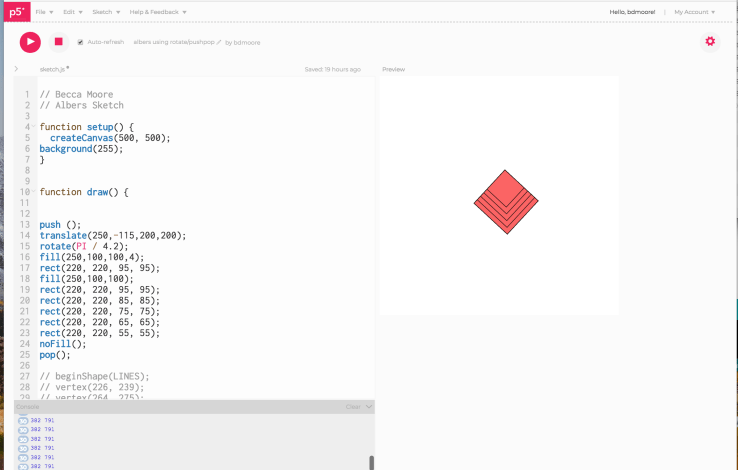
been working with translation, pop, push, and rotate some. slowly learning – and found Gene Kogan’s documentation / tutorial extremely helpful  http://genekogan.com/code/p5js-transformations/


Screen Shot 2018-09-26 at 9.15.02 AM

(*could make the rectangles a forLoop?)

However, to make the button slider effect work – we think it might need to be built out through the vertex function / creating V shapes that don’t overlap but are adjacent, verses a stack of overlapping rects


P5.js – Changes Over Time (Sketch #2)

Screen Shot 2018-09-20 at 4.38.39 AM.png

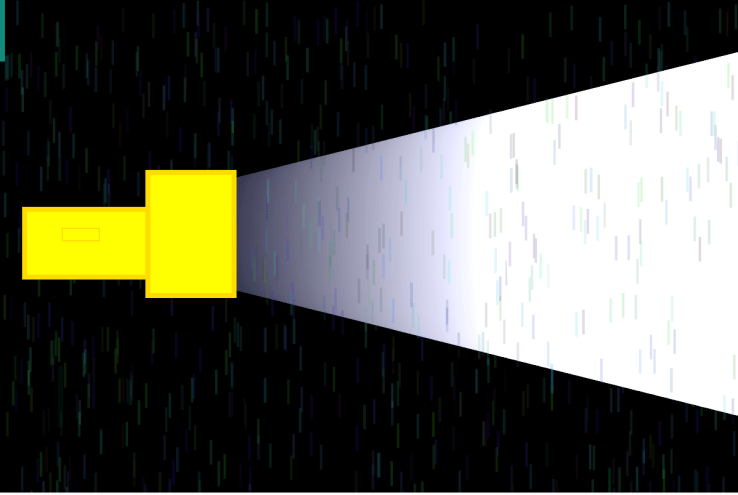
Yellow Flashlight Code – Editor View

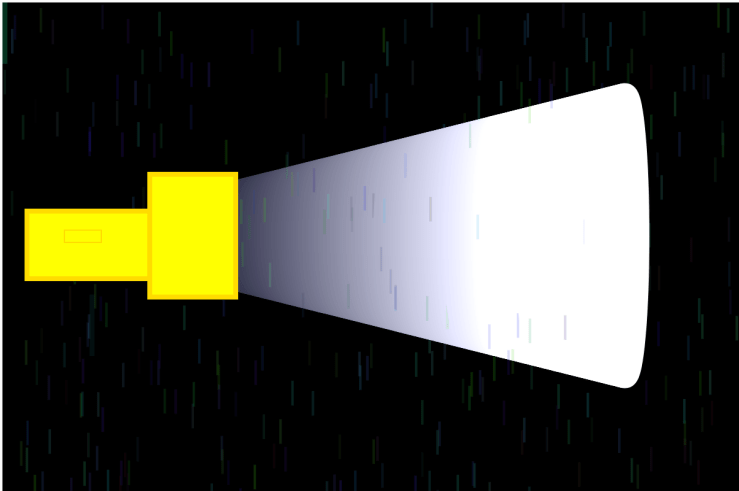
Yellow Flashlight Code – In Browser 
Screen Shot 2018-09-20 at 4.42.05 AM.png

Last week in ICM we went over variables and mouse inputs and outputs  For our sketch this week we were to include:

  • One element controlled by the mouse.
  • One element that changes over time, independently of the mouse.
  • One element that is different every time you run the sketch.

I was thinking about summer showers back in Tennessee the other day + the animation movements we looked at last class reminded me of a flashlight : ) So I thought it would be fun to create a sketch that would tie the two together, as well as a sort of painting program too. I really love the idea of using randomness in programming, and thought it would be fun to try and include it.


Things to think on:

  • The flashlight beam is having an opposite gradient – would be nice for the strong white to be coming from the light source, and then diffusing / becoming transparent.
  • Incorporating mouse pressed / events
  • how to distill code into more variables / less hard numbers
  • how to control the speed of different animated actions
    • ex: how to isolate and individually control the speed of multiple randomness functions happening simultaneously


//Becca Moore
// ICM – HW
// Title: Yellow Flashlight
// Prompt:Create a sketch that includes –
// One element that is different every time you run the sketch = Rain Shower’s random function
// One element that changes over time, independently of the mouse = Rain Shower’s random function and the flashlightBeam
// One element controlled by the mouse = Create’s denser rain patches when cursor is moved
// variables ‘spot’ & ‘col’ directly affect the random function of ‘RainShower’
// Inspired by Daniel Shiffman’s Coding Train!
// Episode 2.5: The random() Function – p5.js Tutorial
let spot = {
x: 100,
y: 50
}

let col = {
r: 0,
g: 100,
b: 220
}

function setup() {
createCanvas(600, 400);
// black for a night sky
background(0);

}
function draw() {

// Rainshower
col.r = random(100, 20);
col.g = random(0, 255);
col.b = random(10, 255);
spot.x = random(0, width);
spot.y = random(0, height);
noStroke();
fill(col.r, col.g, col.b, 40);
rect(spot.x, spot.y, 2, 20);

// Increased Rain Patches
col.r = random(10, 20);
col.g = random(0, 255);
col.b = random(10, 255);
spot.x = mouseX;
spot.y = mouseY;
noStroke();
fill(col.r, col.g, col.b, 20);
rect(spot.x, spot.y, 4, 50);

//Flashlight beam
fill(255, 255, 255, 40);
stroke(frameCount, frameCount + 1, frameCount + 25);
strokeWeight(20);
ellipse(150 + frameCount, 190, 20, 50 + (frameCount / 2));

//Flashlight
strokeWeight(4);
stroke(255,220,0);
fill(255, 255, 0);
rect(20, 170, 150, 55);
rect(120, 140, 70, 100);
console.log(mouseX, mouseY);

//Flashlight button
strokeWeight(1);
stroke(255,220,0);
fill(255, 255, 0);
rect(50, 185, 30, 10);

}
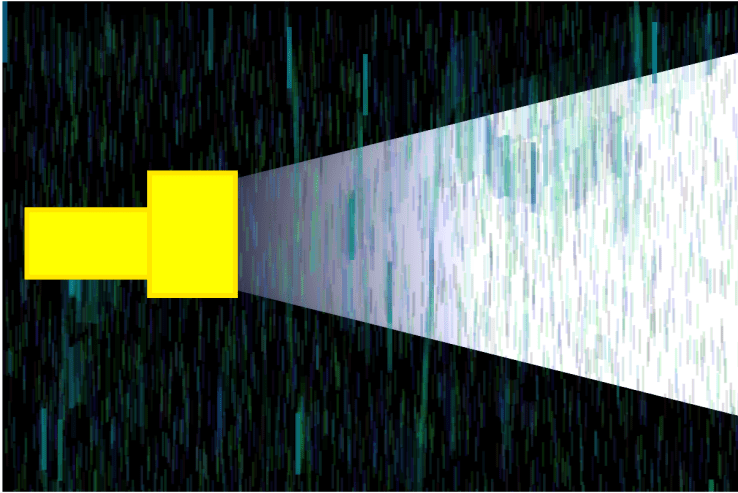
 

Screen Shot 2018-09-20 at 4.14.24 AM(Before adding rect for button )


71OmBWr2ijL.jpgScreen Shot 2018-09-20 at 12.42.55 AM.png

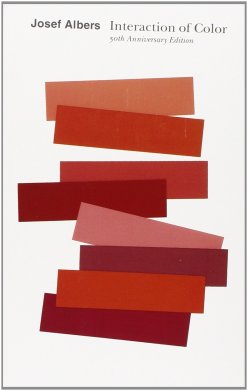
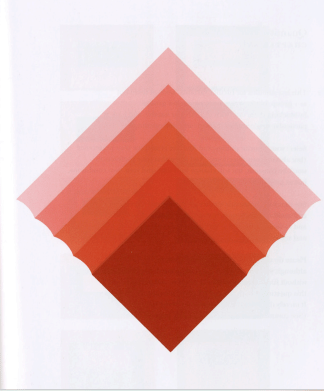
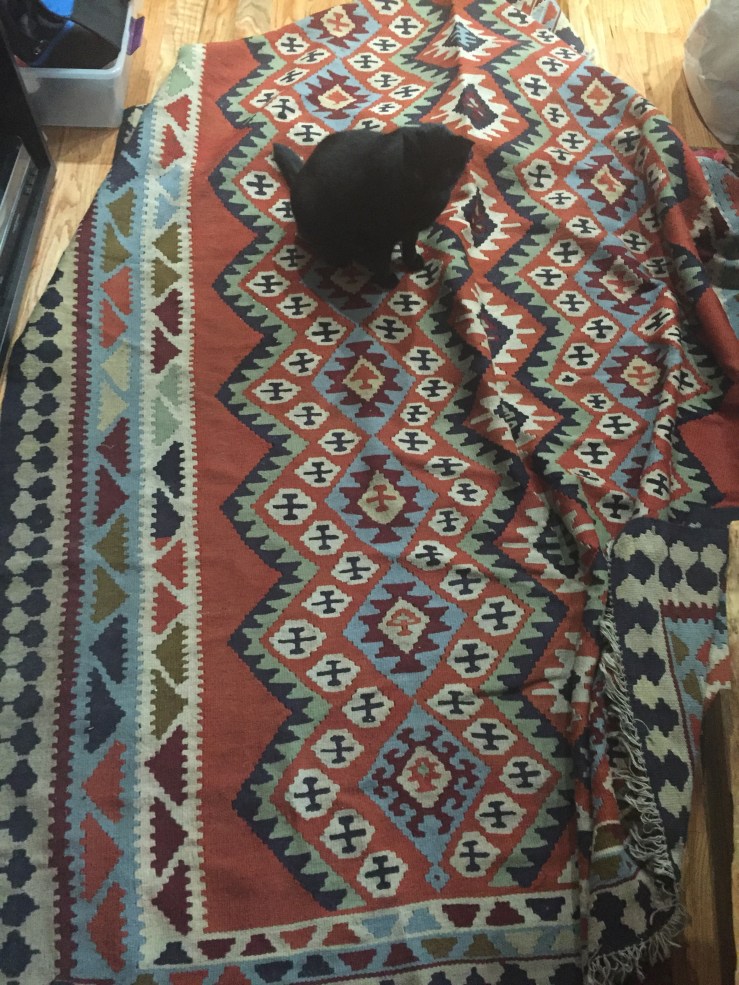
Have also been thinking about P5js Color Study Sketches Inspired by Josef Albers ❤ ❤
 

Intro to Computational Media: Inspiration

I love playful, whimsical interactions that can happen when using computation, both in the physical and digital world. I’m inspired by interactivity and participatory work especially when thinking about public art projects. For a long time I’ve found the work from Graffiti Research Lab and Office for Creative research so inspiring.

The moment I decided to really push and continue to learn more about  computation as an artistic medium was due to a conference called Inst-Int in Minneapolis. It was the first time I had experienced anything like that before, and heard Mouna Andraos talk about Mesa musical shadows . I loved hearing her talk about the processes of the sensors reading shadow input to trigger a range of musical sounds. I love how interactive installation like that and daily tou jours The Swings  have you understand architecture and space in a sonic way, and to meditate on how our bodies move through space. Also hearing Camille Utterback talk about her graduate school days and how her hope was to think of exploring new ways of drawing, and that both computation and pencils were both tools, technologies.

Screen Shot 2018-09-14 at 12.53.28 PM.png

Continue reading “Intro to Computational Media: Inspiration”